Stay on Top of Grants with One Clear Tracker
If your nonprofit’s grant work feels scattered, this guide shows how one clear tracker can help you stay organized and avoid missed deadlines.

Grants keep programs alive. They pay for staff, equipment, events, and essential services. Yet grant management often becomes one of the most stressful parts of nonprofit work!
Every funder has different deadlines, formats, and reporting expectations. If all of this information lives in scattered emails and old spreadsheets, something will eventually fall through the cracks:
- A late report damages trust.
- An overlooked requirement delays payment.
- A forgotten deadline becomes a missed opportunity.
Most teams do not struggle because they lack skill. They struggle because they lack a single place to track everything. That is where a grant tracker becomes powerful!
This post explains how one well organized tracker (usually in Google Sheets) can help your team manage grants with far less stress. It is the same thinking behind my Grant Tracker template, but you can create your own version using the principles below.
The Danger Of Keeping Grant Information In Your Head
Almost every nonprofit has that one person who remembers all the grant dates mentally. It works until the person goes on leave or becomes overloaded. Important information should never live in one person’s memory. A tracker allows the whole team to see what matters and prevents knowledge from disappearing when roles shift.
A tracker gives your team:
• A shared view of all deadlines
• A clear list of active, pending, and closed grants
• A single place for files, links, and notes
• A way to prepare in advance instead of reacting at the last moment
This helps especially during busy periods when digital campaigns and year end fundraising overlap with grant work.
What A Simple Grant Tracker Should Include
A strong tracker is simple but thorough. It holds everything you need, without drowning you in detail.
Include the following:
• Funder name and contact person
• Grant or program name
• Total amount awarded or expected
• Application deadline
• Reporting deadlines
• Key deliverables or outcomes
• Internal owner responsible for updates
• Status such as active, pending, declined, or complete
In my template every row represents a grant, and colour coding helps the team see what needs attention at a glance.
Connect Your Grants To Your Budget And Communication
A grant does not sit in isolation. It affects your budget, your reporting, and sometimes your public communication. Linking your tracker to other parts of your organisation brings clarity.
Consider the following:
• Which grants fund work that appears on your website?
• Which grants require specific communication updates or acknowledgements?
• Which programs depend heavily on certain grants?
• Which funders care about metrics that you can highlight in digital campaigns?
When this information is visible, teams plan more effectively. Program staff know what outcomes to track. Communications staff know what stories to share. Finance knows what to prepare for reporting.
How To Embed The Tracker Into Your Team’s Routine
A tracker is only useful when it becomes a normal part of your workflow. Keep it in a shared folder. Pin it in your browser. Refer to it often.
A short monthly check in is usually enough. Open the tracker and sort by upcoming dates. Ask three simple questions:
• What is due in the next thirty days?
• Who is responsible?
• What is blocking progress?
This keeps everything moving and prevents last minute panic!
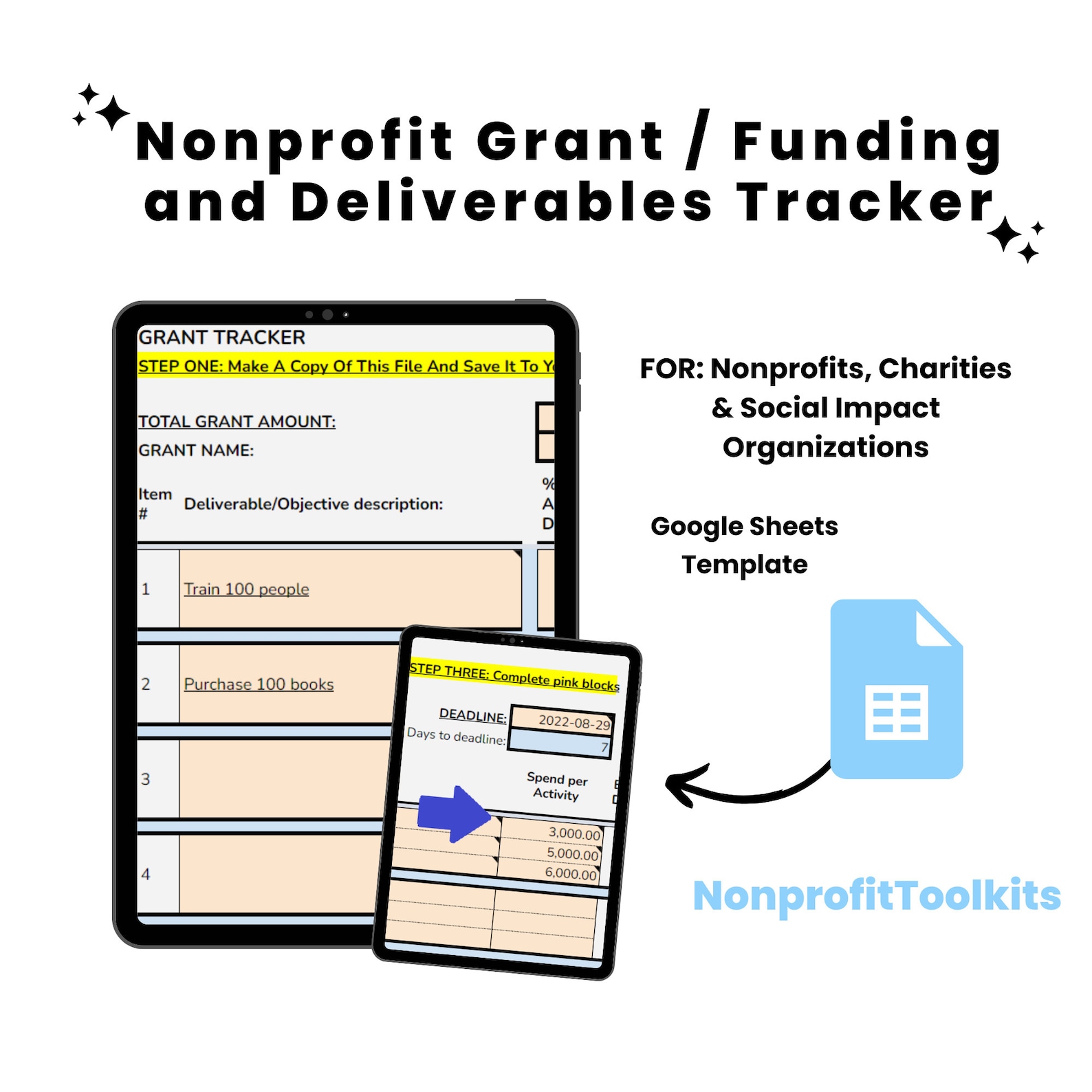
Nonprofit Grant Tracker
This Google Sheet will help you better manage your Grant budget and deliverables by giving you a simplified view of each objective and their due dates.
$9
Buy on Etsy →Ready to take your nonprofit to the next level? Explore more tips, tools, and resources at NonprofitToolkits and start making an even greater impact today!